Free AI image generator
Free AI image generator for posts, products and ads
Describe the picture you need and get an image sized for the platform you're posting to. It's built for small businesses that need fresh visuals every week without a photo shoot.
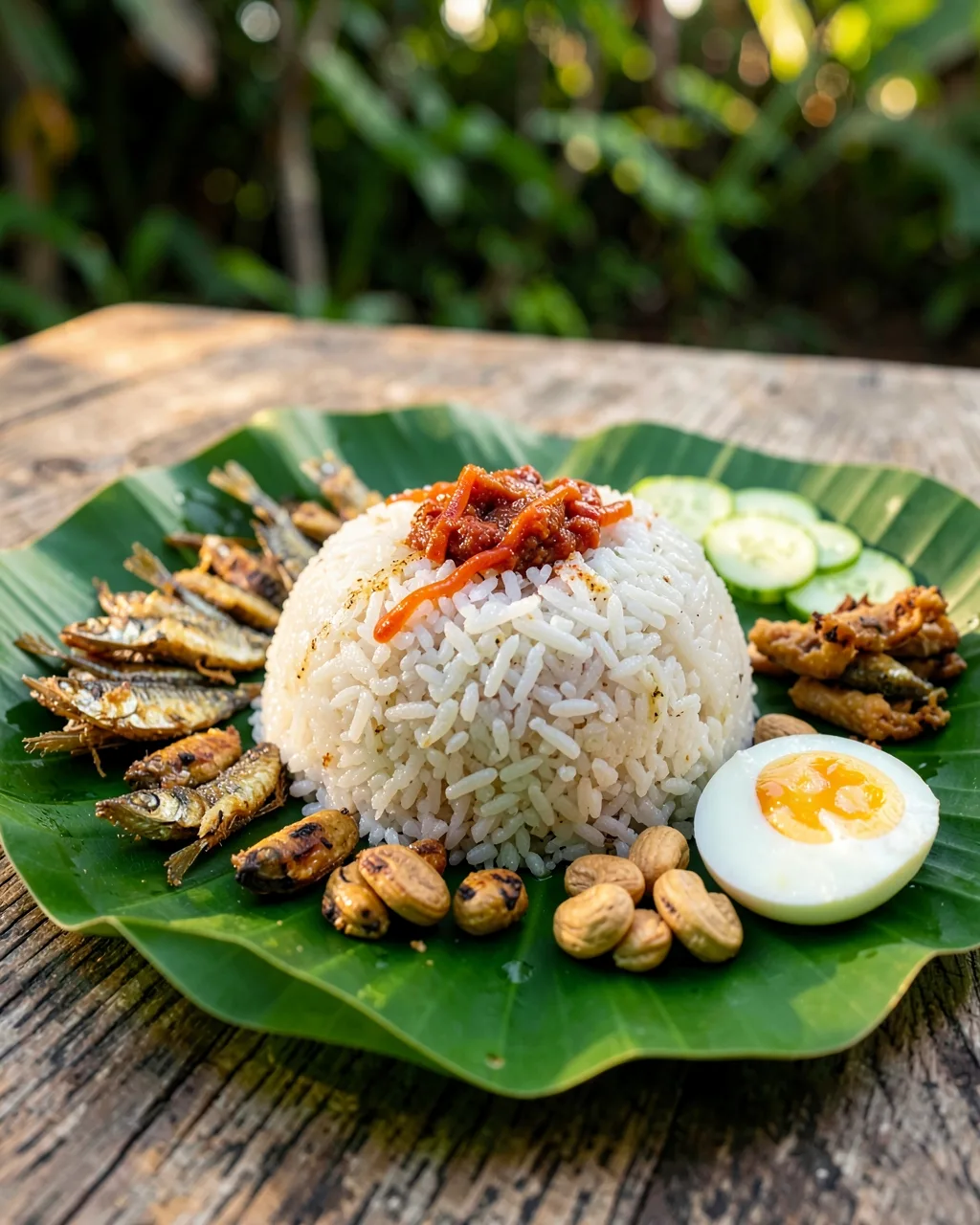
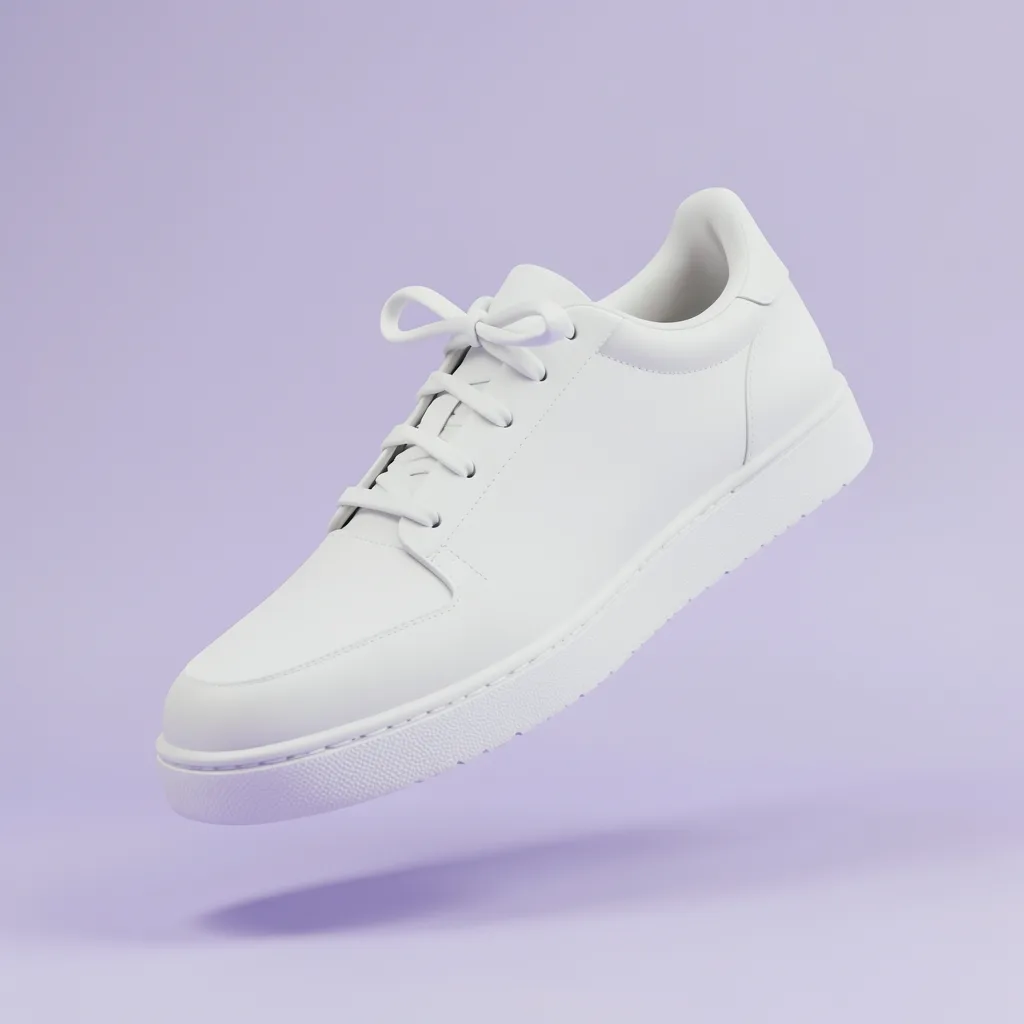
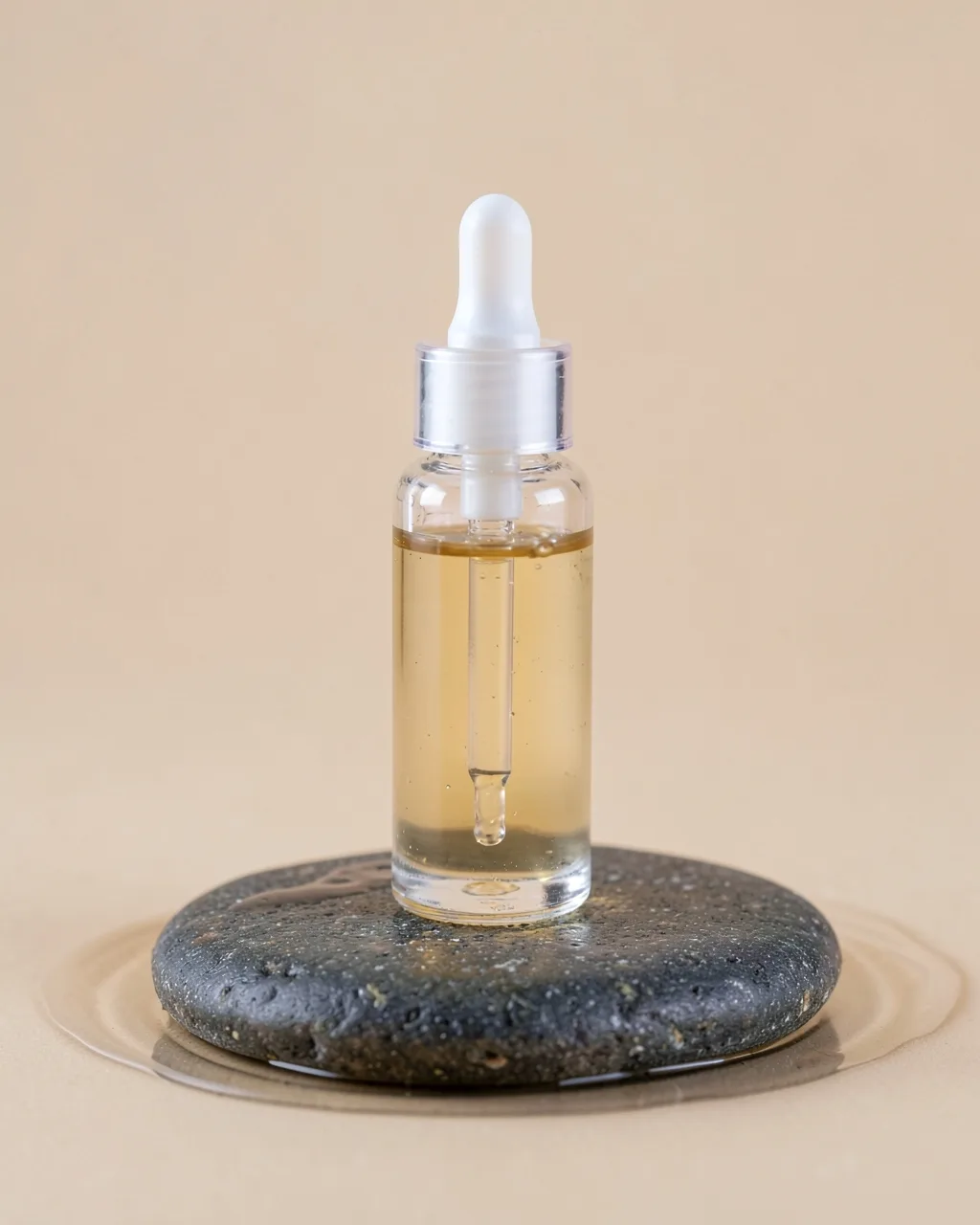
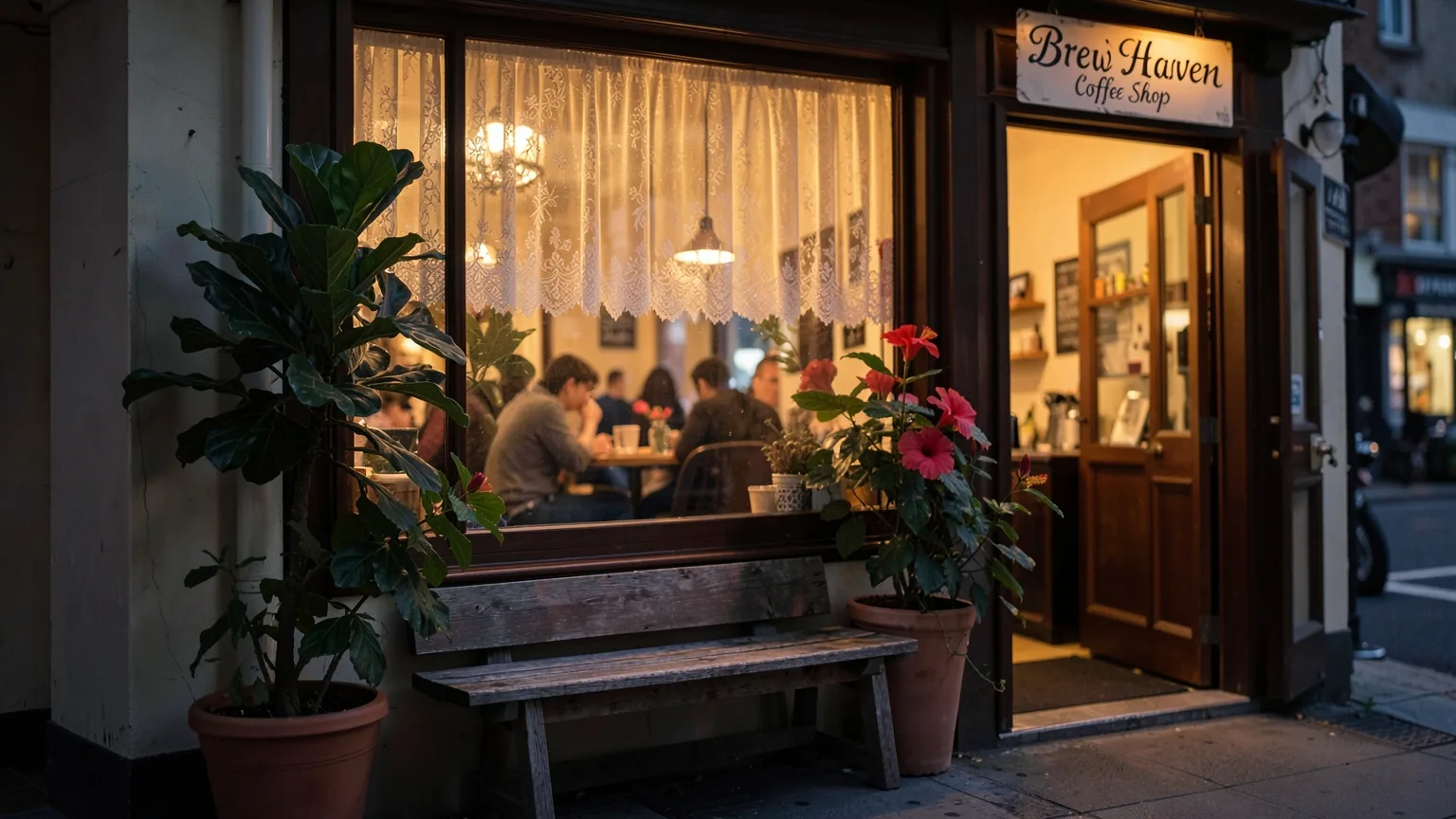
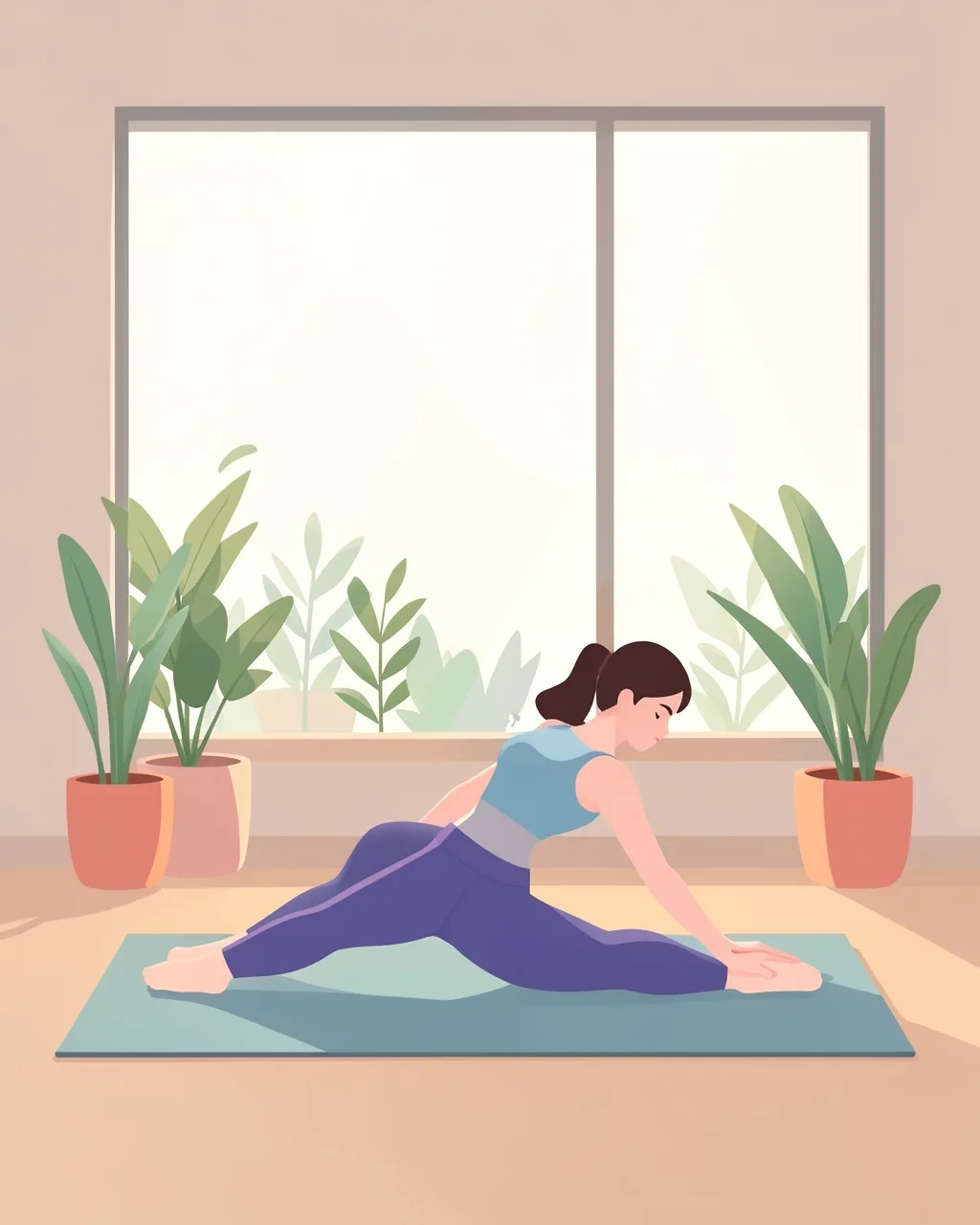
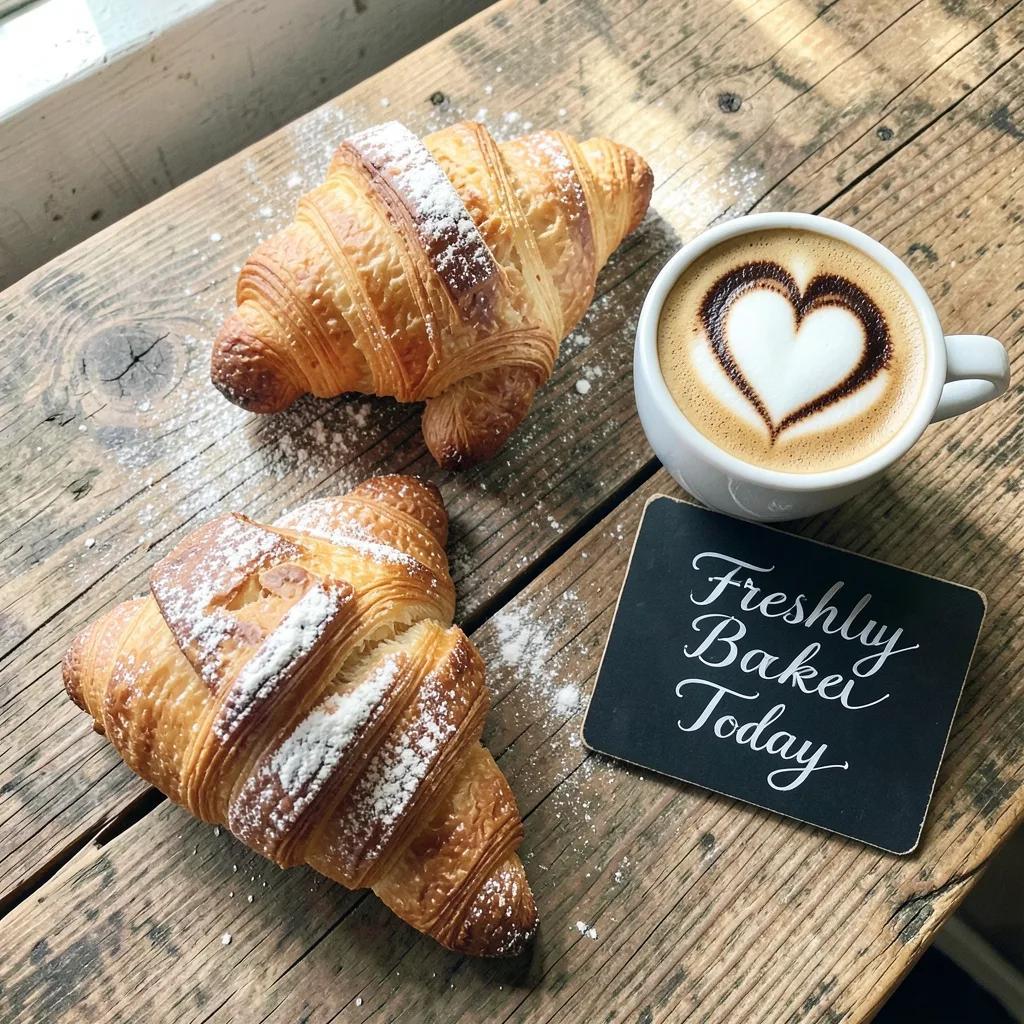
Real examples made with Angyza AI
How it works
- 1
Describe it
Write what you want to see: the subject, the setting and the light. Or type a short idea and tap Improve prompt.
- 2
Pick a size and style
Square for feed posts, 9:16 for Stories and Reels, 16:9 for YouTube and LinkedIn. Choose Photo, Product shot, Flat lay, Illustration and more.
- 3
Generate and edit
Each image costs 15 of your 100 daily credits. Download it, or open it in the studio to add text and your logo.
Tips for better results
Lead with the subject
Start your prompt with the main thing in the picture, then add the place, the light and the mood.
Name the light
Words like soft morning window light or warm dusk glow change the feel more than any filter.
Lock the seed for variations
Turn on Lock seed to keep the same composition while you adjust colors or details in the prompt.
Leave room for text
Add with empty space on the left if you plan to put a headline or price on the image.
Questions
Is the AI image generator really free?
Yes. Every account gets 100 free credits a day, and an image uses 15, so you can create up to 6 images daily. Credits reset every day.
Can I use the images for my business?
Yes, you can use images you create for your posts, ads and shop listings. Avoid prompts that copy a real brand, logo or person.
What sizes can I make?
Square 1:1, portrait 4:5, Story 9:16, wide 16:9, landscape 3:2 and tall 2:3, which covers Instagram, TikTok, Facebook, YouTube, LinkedIn and Pinterest.
Which AI model makes the images?
We use free FLUX image models and switch to a backup model automatically if one is busy.
Related tools
Free AI Background Remover
Remove the background from product photos and portraits for free, right in your browser. Swap in a color, gradient, blur or AI scene. No upload, no watermark.
OpenAI Social Media Post Maker
Plan and write a week of social media posts, Reel scripts and ad copy with AI, then create matching images. Free every day for small businesses.
OpenAI Caption Generator for Instagram
Write Instagram captions with a hook, a call to action and relevant hashtags in seconds. Free AI caption generator for small businesses and creators.
OpenGenerate an image in seconds
Free account, 100 credits every day.
Start free with 100 daily creditsNo card. No trial that runs out.