Background remover
Free AI background remover that runs in your browser
Cut out products and people in a few seconds, then put them on a clean color, a gradient, a blurred version of the original or a brand-new AI scene. The cut-out runs on your device, so your photo is never uploaded for removal.
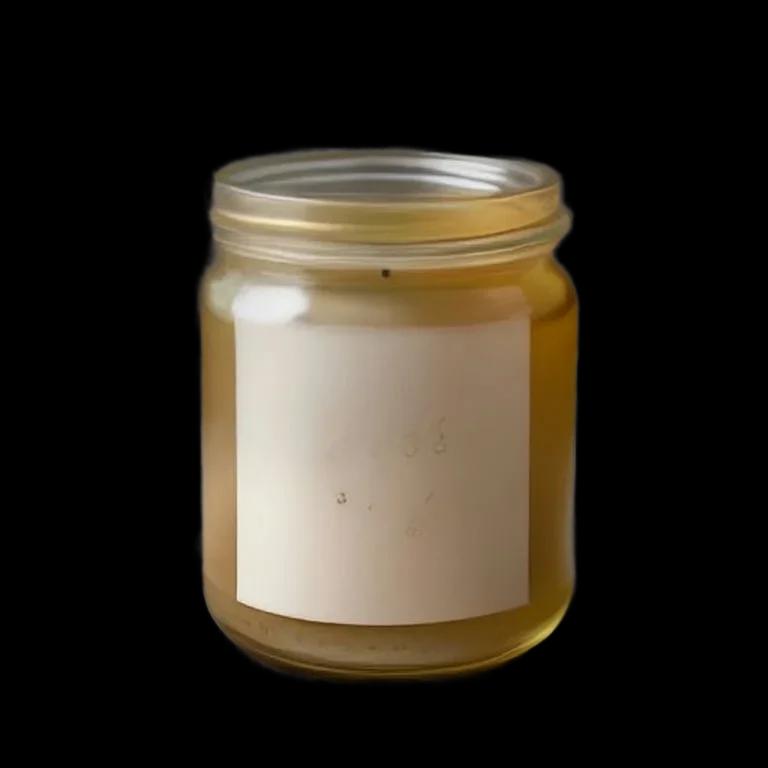
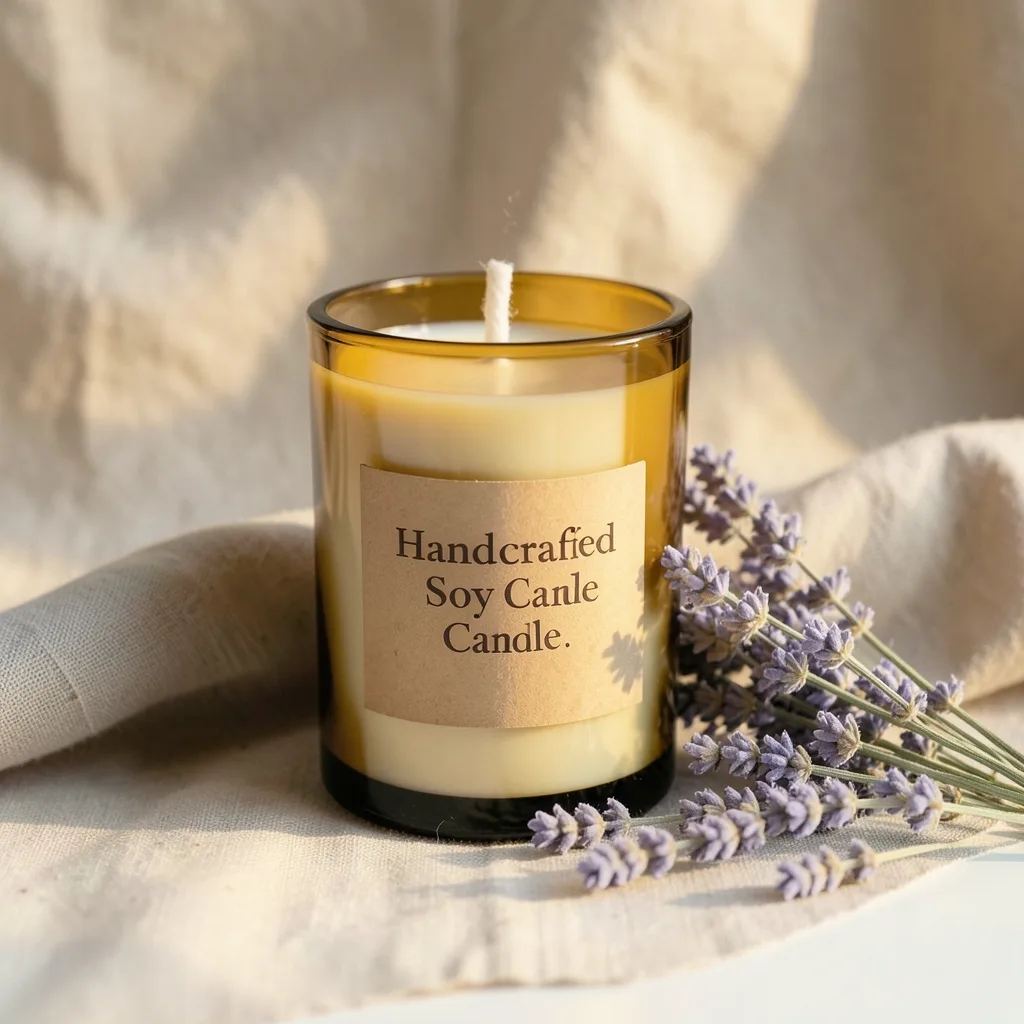
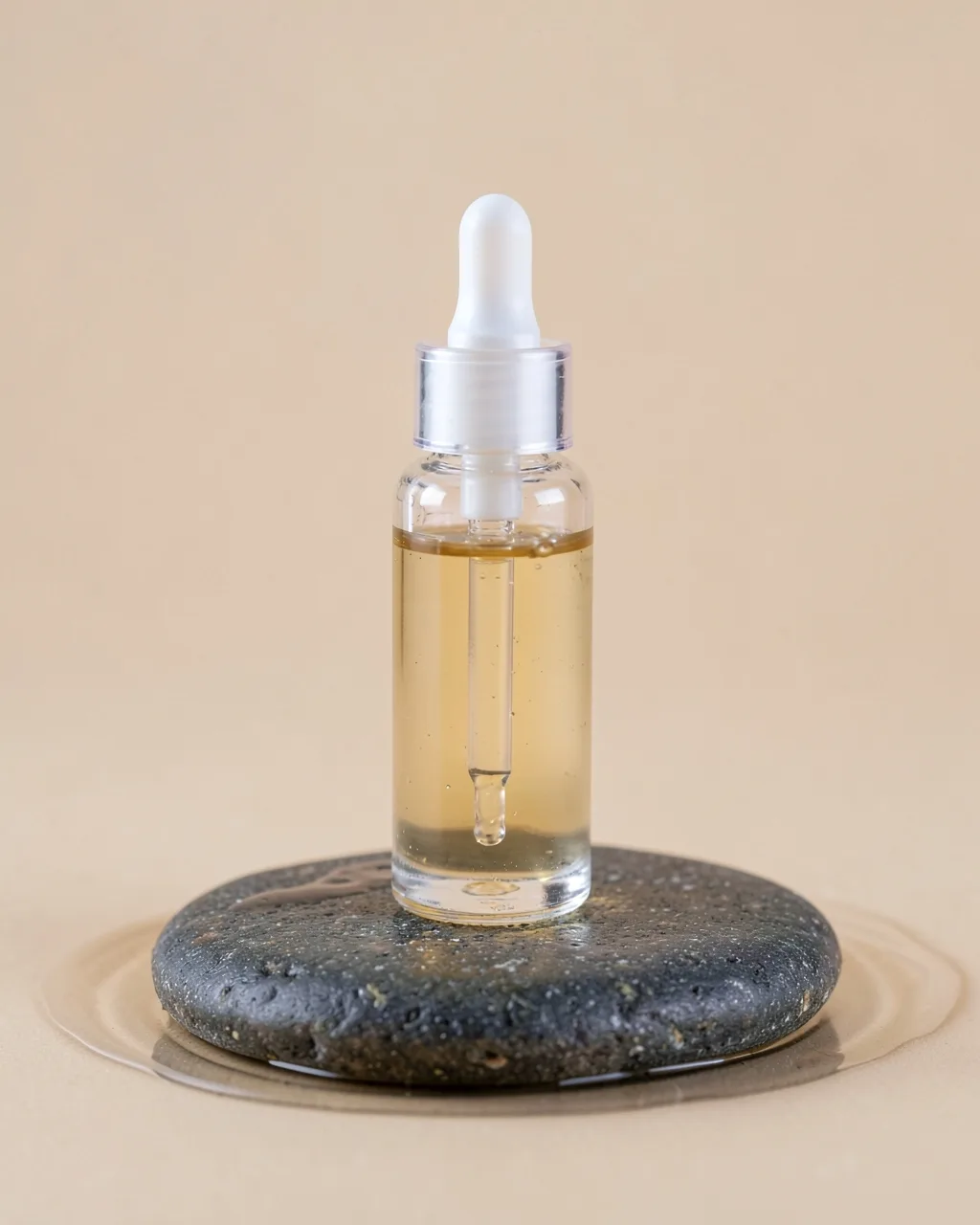
Real examples made with Angyza AI

How it works
- 1
Open your photo
Upload a product photo or portrait, or open any image from your library.
- 2
Remove the background
Tap Remove background. The first time, your browser downloads the AI model once; after that it's quick.
- 3
Choose a new background
Transparent PNG, a color, a gradient, a blur of the original or an AI-generated scene (15 credits).
Tips for better results
Contrast helps
A product on a plain, different-colored surface gives the cleanest edges.
Export PNG or WebP for transparency
JPG has no transparency, so a transparent background becomes white.
Resize for the platform
Use Resize to place the cut-out on an Instagram, Story or marketplace-sized canvas.
Add a soft shadow
A light shadow under a product makes it look placed rather than pasted.
Questions
Is the background remover free?
Yes. Removing backgrounds and editing in the studio are always free and don't use credits. Only AI-generated backgrounds use credits.
Is my photo uploaded?
Not for background removal. The AI model runs in your browser. Your photo is only saved if you choose Save to library.
Does it work on phones?
Yes, on recent phones. Large photos are processed at up to 2048 pixels to keep it quick.
Is there a watermark?
No. Your exports have no watermark.
Related tools
Free AI Image Generator
Create product shots, food photos and illustrations with a free AI image generator. Pick Instagram, Story or YouTube sizes. 100 free credits every day.
OpenAI Social Media Post Maker
Plan and write a week of social media posts, Reel scripts and ad copy with AI, then create matching images. Free every day for small businesses.
OpenAI Caption Generator for Instagram
Write Instagram captions with a hook, a call to action and relevant hashtags in seconds. Free AI caption generator for small businesses and creators.
OpenRemove a background in seconds
Free account, 100 credits every day.
Start free with 100 daily creditsNo card. No trial that runs out.